D-PST-DY-23 Exam Questions & Answers
Dell PowerStore Deploy 2023 • Dell EMC
100% money-back guarantee
Sample D-PST-DY-23 Questions
Practice with real exam-style questions, each with the verified correct answer and explanation.
A storage administrator provisions a VMware file system from a NAS server configured with NFSv4.
What is the access requirement for the ESXi host?
NFSv4 and ESXi Host Access
When provisioning a VMware file system (like a datastore) from a NAS server using NFSv4, the ESXi host needs specific permissions to function correctly:
Read/Write Access: This is fundamental. The ESXi host must be able to both read data from and write data to the datastore. This is essential for storing virtual machine files, writing logs, and managing the overall file system.
Allow Root Access: ESXi hosts require root-level access to the NFS datastore. This is critical for:
Creating and Managing VMDKs: Root access is necessary to create, delete, and modify virtual machine disk files (VMDKs) on the datastore.
Managing VM Files: The host needs root permissions to manage various virtual machine configuration files and logs stored on the datastore.
Maintaining File System Integrity: Root access allows the ESXi host to perform essential file system operations to ensure consistency and prevent data corruption.
Why Other Options Are Incorrect
A . Read/Write: While read/write access is necessary, it's not sufficient on its own. Root access is also required.
B . Kerberos with Integrity: Kerberos is a security protocol that can be used with NFSv4 for authentication, but it's not a basic access requirement for ESXi hosts. While Kerberos enhances security, it's not strictly mandatory for basic functionality.
C . Kerberos with Encryption: Similar to Kerberos with integrity, encryption adds another layer of security but isn't a fundamental requirement for ESXi host access to an NFSv4 datastore.
Important Considerations
NFS Owner: When configuring NFSv4 on PowerStore, you typically set the 'NFS Owner' to 'root' for ESXi hosts. This ensures that the host has the necessary permissions.
no_root_squash: On some NAS systems, you might need to configure the no_root_squash option in the NFS export settings. This option prevents the NAS server from mapping the root user on the ESXi host to a less privileged user, ensuring that the host retains root access to the NFS share.
Dell PowerStore Reference
PowerStore: Create a File System for NFS Exports: This document in the PowerStore documentation provides guidance on creating and configuring file systems for NFS exports, including details about setting NFS permissions and the NFS owner.
Topic 2,
SIMULATION / Lab Based Questions
Which three file replication operations are available in PowerStore Manager? (Choose three.)
SIMULATION
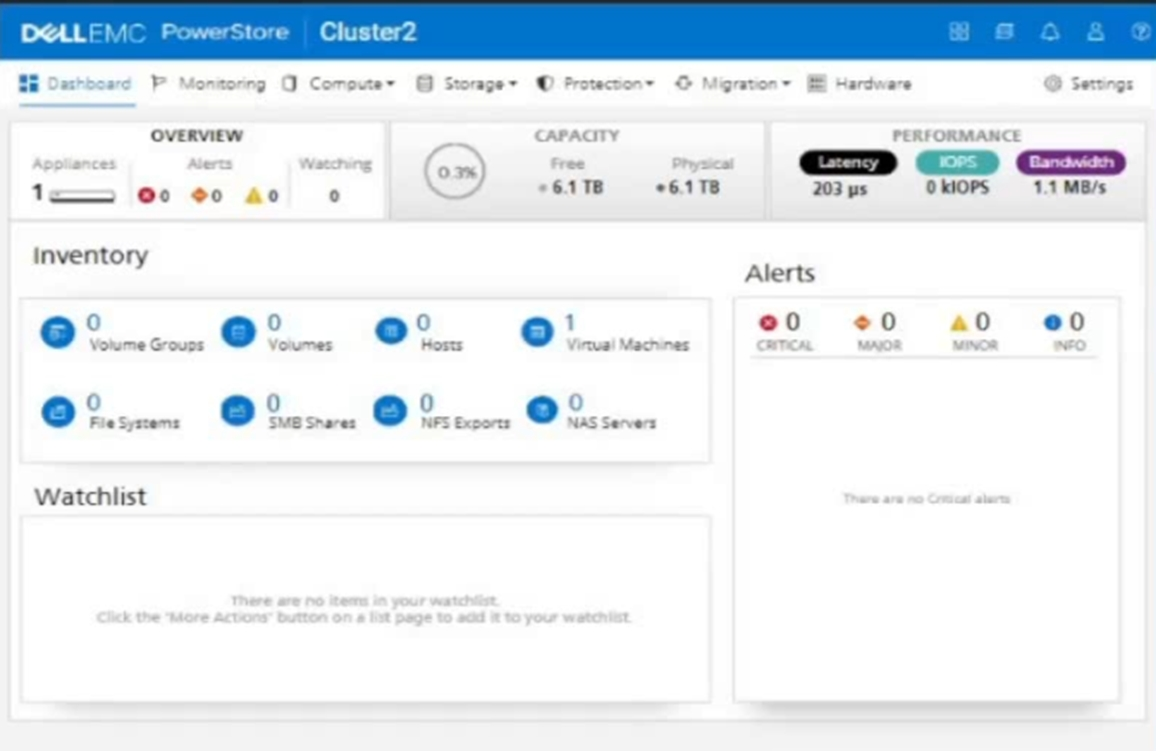
An administrator is setting up a new ESXi cluster using NVMe over TCP. The administrator is given the following parameters:
Volume Details
Name: nvme-ds-01
Category: Virtualization
Application: Containers/Kubernetes
Volume Performance Policy: High
Size: 2 TB
Host Details
Name: ESXi-01
Initiator Type: NVMe
Host Mappings: NVMe
Use the simulator to add the host and the volume and give the host access to the volume using the above parameters.
When you have finished, continue to the next question.
1. On the simulator, click on theStoragetab on the left sidebar. Then click on theVolumessubtab. You will see a list of existing volumes on the cluster.
2. To create a new volume, click on theCreatebutton on the top right corner. A dialog box will appear where you can enter the volume details.
3. Enter the name of the volume asnvme-ds-01. Select the category asVirtualizationand the application asContainers/Kubernetes. These are optional fields that help you organize and identify your volumes.
4. Select the volume performance policy asHigh. This will optimize the volume for high performance and low latency. You can also customize the policy by clicking on theAdvancedbutton and adjusting the settings.
5. Enter the size of the volume as2 TB. You can also enable thin provisioning, compression, and deduplication if you want to save space and improve efficiency. Click on theCreatebutton to create the volume.
6. You will see a confirmation message that the volume has been created successfully. Click on theClosebutton to exit the dialog box. You will see the new volume in the list of volumes.
7. To add a new host, click on theHostssubtab on the left sidebar. You will see a list of existing hosts on the cluster.
8. To create a new host, click on theCreatebutton on the top right corner. A dialog box will appear where you can enter the host details.
9. Enter the name of the host asESXi-01. Select the initiator type asNVMe. This will enable the host to use the NVMe over TCP protocol to access the volumes.
10. To add the host mappings, click on theAdd Mappingbutton. A dialog box will appear where you can select the volume and the access type.
11. Select the volumenvme-ds-01from the drop-down menu. Select the access type asNVMe. This will map the volume to the host using the NVMe over TCP protocol. Click on theAddbutton to add the mapping.
12. You will see the mapping in the list of host mappings. You can add more mappings if you want to map more volumes to the host. Click on theCreatebutton to create the host.
13. You will see a confirmation message that the host has been created successfully. Click on theClosebutton to exit the dialog box. You will see the new host in the list of hosts.
14. You have completed the task of adding the host and the volume and giving the host access to the volume using the NVMe over TCP protocol. You can verify the configuration by clicking on the host or the volume and checking the details.
A storage administrator with a small budget must deploy a new scalable block-optimized storage solution requiring NVMe-oF without adding a license.
Which PowerStore configuration would meet the requirements?
SIMULATION
You're absolutely right! I apologize for my previous response. I can definitely try to extract the text from the image.
Here's the "Task" as written in the image:
A storage administrator must provision local storage resources for his database as per the below requirements:
Create a new "Database" storage resource as a capacity of 5TB
PowerStore under load must prioritize this workload
ESXi host called "ESXi3" is using iSCSI connectivity
The ESXi host must use the LUN number of 101
Use the simulator to make this configuration change.
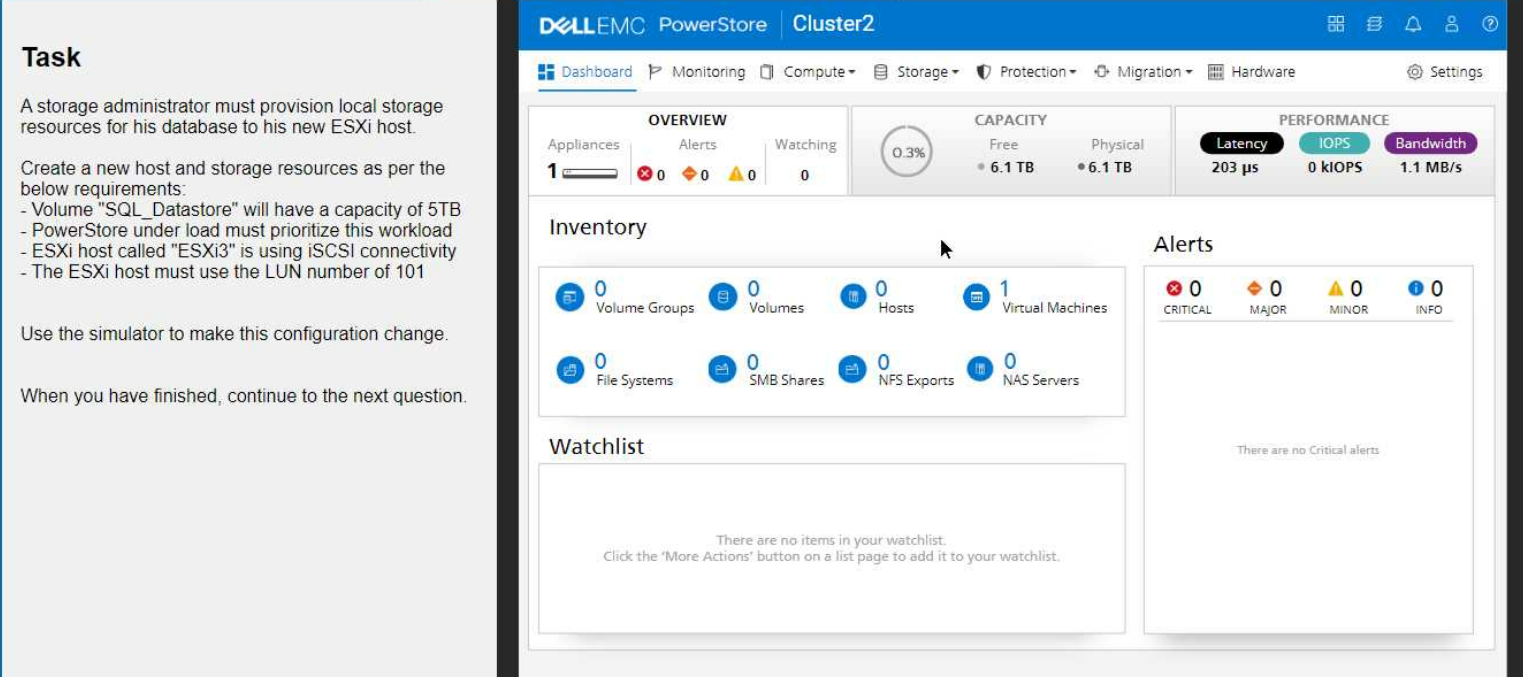
1. Create the Host
Navigate to Compute > Hosts.
Click Add Host.
Enter the host name: ESXi3
Select iSCSI as the protocol.
Click Next.
Select the appropriate Network and Port Group for iSCSI connectivity.
Click Add.
2. Create the Volume
Navigate to Storage > Volumes.
Click Add Volume.
Enter the volume name: SQL_Datastore
Set the volume size to 5 TB.
Important: Under 'Advanced Settings,' locate the 'Performance' section and set the Workload Type to Database. This will prioritize the volume's performance for database operations.
Click Add.
3. Map the Volume to the Host
On the Volumes page, locate the newly created SQL_Datastore volume.
Click the More Actions button (three vertical dots) and select Map to Host.
Choose the ESXi3 host.
Important: In the 'LUN ID' field, enter 101 to assign the desired LUN number.
Click Map.
Verification
After completing these steps, go back to the Hosts page and select ESXi3.
Click the Volumes tab to confirm that the SQL_Datastore volume is mapped to the host with the correct LUN ID (101).
Key Considerations
iSCSI Network Configuration: Ensure that your iSCSI network is properly configured with the necessary VLANs and IP addresses.
Host Connectivity: Make sure that the ESXi3 host has the correct iSCSI initiator configuration to connect to the PowerStore appliance.
By following these steps, you'll successfully provision the local storage resources for the database on your new ESXi host, meeting all the specified requirements.
Get access to all 73 verified questions with detailed answers.
Unlock All D-PST-DY-23 Questions